
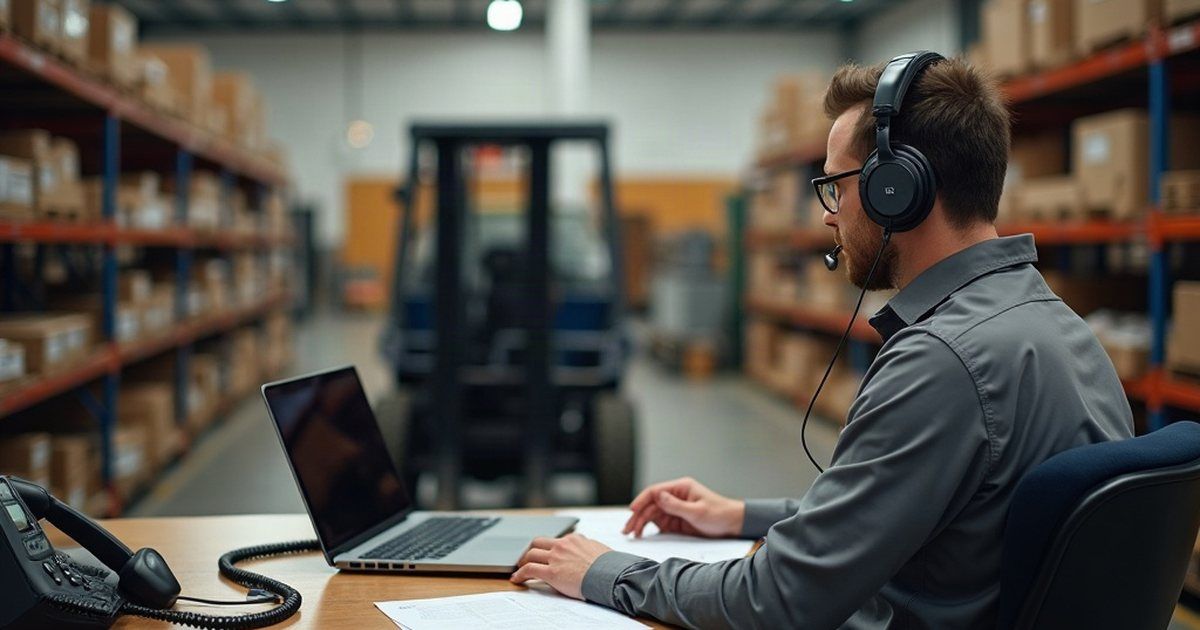
An industrial fastener distributor with a Brisbane head office and branches on the Gold Coast and the Sunshine Coast asked us to replace its phone system. Each office answers its own calls, so the new setup had to run as one system while still behaving like three separate front desks.
We logged just over 22 hours on the project between mid-February and mid-March 2026. A number port ran alongside it.
Mapping the calls first
Before we built anything, we worked through the call flow with the business. Who answers first at each office, what happens when nobody picks up, when each site opens and closes, and where calls go after hours.
We reused the recorded greetings from the old system to begin with, and swapped in new recordings for all three offices once the business had them, including a new after-hours voicemail message.
What we built
A cloud-hosted phone system with every staff member set up as a user. Each office got its own menu, its own call queue and its own office hours, with after-hours voicemail behind them. Departments and ring groups sit underneath, so a call to the Gold Coast rings the Gold Coast people.
Outbound calling got rules for each branch covering local, national and premium numbers, plus a fallback rule to catch anything the others don’t. The system installs its updates automatically each week and backs itself up on a schedule.
The call flow changed partway through
Midway through the build, the business revised how it wanted calls handled. We rebuilt the menus and ring groups to match, then tested by logging in as individual users and following calls through.
That’s normal, and it’s fine. But if you’re planning your own changeover, settle the call flow on paper before anyone starts building. Changing it afterwards works, it just costs hours you could have spent elsewhere.
Moving the numbers without a gap
Porting numbers between carriers takes a while, so the install didn’t wait for it. We set up a temporary line on the new system using four spare numbers, and built and tested everything on those first.
On the day, we asked the old phone provider to divert the business’s existing numbers to that temporary range, confirmed the diversion had taken, and made test calls to check they landed where they should. The formal port followed, with emails going back and forth with the carrier from late February until late March.
The install, and the snags after it
We went on site for the roll-out. New headsets went to the people who needed them, the desktop phone app went onto PCs at all three offices, and existing headsets were checked for the right drivers. Staff who wanted calls on their mobiles signed in by scanning a QR code.
Not everything worked first time:
- One new headset at a front counter played sound but wouldn’t pick up the user’s voice. Reinstalling the drivers and the app didn’t fix it, and an external microphone worked fine on the same PC. A different headset model did the job, so that one stayed on the desk.
- Staff in the Sunshine Coast warehouse couldn’t hear incoming calls. Resetting the headset, reconfiguring its driver, reinstalling the app and giving it access to the microphone sorted it.
- One person’s phone app kept opening off the edge of the screen, where it had been dragged at some point. A keyboard shortcut brought it back.
Plan for a few of these after any phone change. They’re small, but they land on the people answering customers.
Where they landed
All three offices now run on one phone system, each with its own menu, queue, hours and after-hours voicemail. The numbers came across from the old carrier, and the system keeps itself updated and backed up without anyone needing to remember.
If your own phone contract is coming up for renewal, sketch how calls should flow at each site before you talk to anyone about systems: who answers, what happens when nobody does, and where calls go after hours.
If you’d like a second pair of eyes on that sketch, get in touch.