
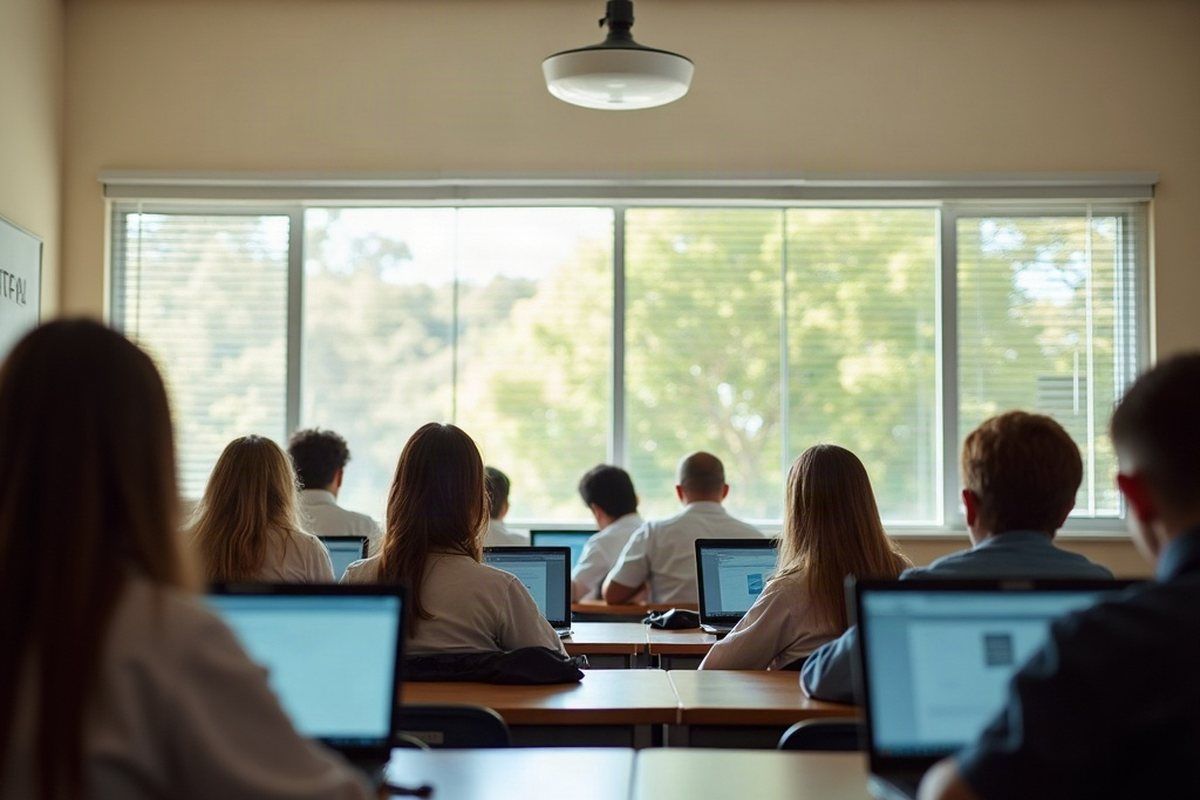
What gets in the way
- Every device arrives at 8:30. Laptops, tablets and phones all join at once, and the classroom furthest from the office is where the wi-fi gives up first.
- Students, staff and visitors on one network. When students, staff, administration, guests, cameras and building systems share a network, one infected laptop can reach everything else.
- Student and family records. Enrolment details, medical notes, custody arrangements and reports are the information families trust you with most, and the information scammers want most.
- A front office phone that never stops. Absences, parents, suppliers and emergencies all come through the same line, and calls need to reach someone even when the office is flat out.
How we help
- Network & Connectivity: Wi-fi planned around how many devices each room holds, separate networks for students, staff, administration, guests and building systems, and firewalls that are monitored and kept patched.
- Bastion Cybersecurity: Hardened sign-in for staff and administrators, protection on every school-owned device and a plan for what happens if an account or a device is compromised.
- Business Telephony: A hosted phone system with an absence line, queues for the front office, after-hours messages and calls that follow staff to a mobile when they’re away from their desk.
- Microsoft 365 & Identity: Multi-factor sign-in and tidy access rules in Microsoft 365, so staff accounts that hold student information are the hardest ones to break into.
- Physical Security: Camera and door access systems designed and managed on their own network, well away from the student wi-fi.
- Backup & Recovery: Backups of Microsoft 365 and school records with test restores, so a deleted folder or a ransomware attack in term time isn’t the end of the term’s work.
Obligations worth knowing
- Most organisations with an annual turnover of $3 million or less aren’t covered by the Privacy Act; larger ones are, which takes in many non-government schools. The OAIC has a checklist. Source
- Organisations covered by the Privacy Act must notify affected people and the OAIC when a data breach is likely to result in serious harm. Source
Plan the wi-fi for the busiest minute
A school network isn’t judged at 2pm on a quiet day. It’s judged at the start of first period, when every device in a full classroom connects at once. Wireless planned room by room, with enough access points and internet capacity behind them, is the core of our network management work for schools.
Separate networks, separate risks
Students, staff, administration, guests and building systems each get their own network, with only the connections between them that are actually needed. A student’s laptop then can’t see the finance office, and a camera recorder can’t be reached from the guest wi-fi. Cameras and door access are designed and managed under physical security on a network of their own.
Phones that suit a school day
An absence line that takes messages before 8am, a front office queue so calls don’t ring out, and after-hours messages that change with the term calendar. A hosted phone system does all of this, and keeps working if the building loses power or the office has to move.
State and independent schools
We work with Queensland state schools and independent schools alike, and with early learning centres and other education providers. Every school starts from a different place: some run everything themselves, others work within a wider system’s standards and services. We work within whatever standards apply to your school and alongside the people and systems already in place, so the network, security and phones fit how your school actually runs.