
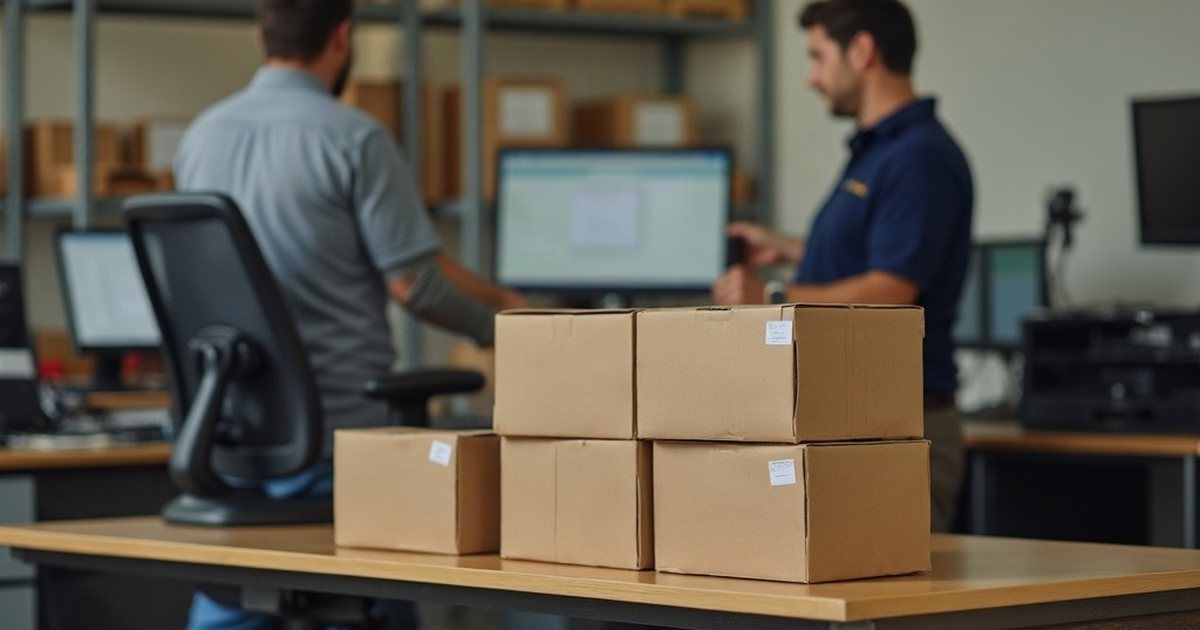
A Queensland industrial supplier ordered four new desktops and two new laptops and asked us to get them working. Six machines doesn’t sound like much, but set up one at a time at people’s desks, it can eat most of a day for the staff waiting on them.
We split the job into two parts: the build, then the install.
Doing the slow part first
The build took 12 hours. That covered getting each machine ready, installing the software the business uses and running operating system updates until they were current.
Updates are the slowest and least predictable part of setting up a computer. A fresh machine can need several rounds of them, with restarts in between. That’s time nobody needs to spend standing next to a desk.
By doing this part before the site visit, the machines arrived ready to plug in and sign in to.
The site visit
Two of our technicians went to site for the installation. Between them they logged 7 hours, including travel, installing the four desktops and two laptops.
Because the machines were already built, there was time left over for other things. While on site, the technicians looked into three problems the business had been living with:
- email not sending properly from the accounting software
- browser favourites disappearing
- OneDrive and SharePoint files not syncing
A technician already on site is the cheapest time to raise them, and it’s much easier to diagnose a sync problem sitting next to the person who has it.
Checking back the next day
We did a check-up the day after the install. New machines often throw up something small once people start their normal work: a missing printer, a file that won’t open, a setting that didn’t carry across. Catching those on day two stops them becoming a week of small annoyances.
A decision worth making on purpose
Whether to build machines first or set them up on site is a choice, and it’s not always obvious which is better.
On-site set-up can suit one machine and one person who’s happy to wait. For six at once, doing the build first meant the staff time went on installing and fixing real problems, not on progress bars. It also meant any build fault would show up before anyone was relying on the machine.
Where they landed
Six new computers went into service, built with current updates and the business’s software, installed on site and checked the following day. The same visit made progress on email from the accounting software, disappearing favourites and file sync.
If you’ve got new hardware on order, write down what every machine needs before it arrives: the software, the printers, the shared files and the accounts. That list is what lets someone build them properly the first time.
If you’d like us to help put that list together, get in touch.