
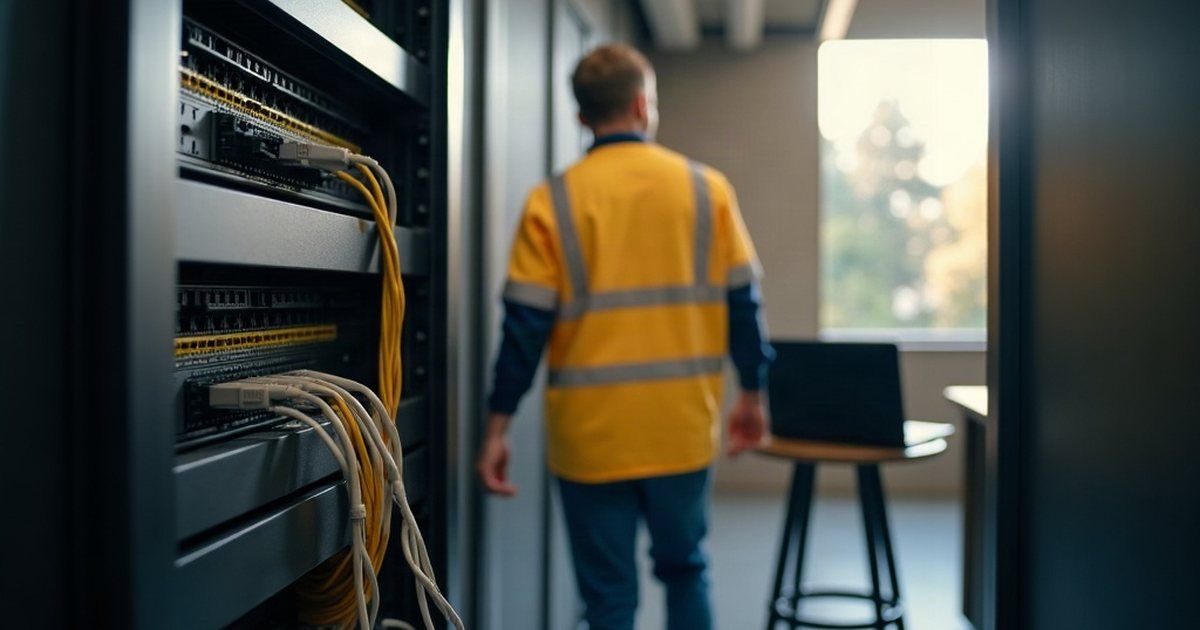
Nobody thinks about the network until it stops. Then everybody thinks about it at once, usually while standing around a reception desk asking whether it is just them.
That is the whole problem with network administration as a job. Done well it is invisible, so it is the first thing cut and the last thing documented. Done badly it produces a steady tax on everyone’s day that never quite becomes urgent enough to fix.
Here is what the work actually involves, what it costs when it is neglected, and how to work out whether to keep it in house.
What network administration actually covers
Strip out the jargon and it is six jobs.
Knowing what is connected. An inventory of switches, access points, routers, firewalls and servers, where each one is, what it does, what it is called, and what it is plugged into. Most small businesses do not have this, which is why every fault starts with twenty minutes of archaeology.
Keeping the equipment current. Firmware on switches, access points and firewalls. Operating systems on anything that has one. This is security work as much as maintenance work, and it is covered further down.
Controlling who gets on and what they reach. Staff, guests, payment terminals, cameras, the machine in the workshop that runs one piece of software and must never touch the internet. Separating those is design work, not a setting you turn on.
Watching it. Throughput, errors, devices dropping off, a connection that goes down at 4am and comes back before anyone notices. Monitoring is the difference between finding a failing switch and replacing it on a Tuesday, and finding it on a Friday afternoon when it finally dies.
Fixing things quickly. Diagnosing where a fault sits, which is usually the hard part, then resolving it. A slow application, a dropping phone call and a failing backup can all look identical from the front desk.
Planning for what is coming. New staff, a new site, a move, more cameras, a cloud application that needs more upload than the line has. Network work done a month before is cheap. Done on the day, it is not.
What it looks like when nobody owns it
In the twelve months to 18 August 2026 our service desk handled 43 tickets about internet, Wi-Fi or wireless problems across 31 client businesses, roughly 40 hours of work. Of those, 29 tickets from 24 businesses were straightforward complaints: slow, dropping out, down, cannot connect.
None of those numbers are dramatic. That is the point. Network trouble arrives as a steady drip of ten and twenty minute interruptions spread across a lot of businesses, rarely as a single catastrophe. It does not show up on a budget line anywhere, which is exactly why it survives for years.
The pattern behind most of them is the same three things: equipment nobody has updated since it was installed, a wireless layout designed for a smaller office than the one it now serves, and no monitoring, so the first report comes from a person rather than a system.
Security is not a separate job
The part most businesses separate, and should not, is that network administration and cyber security are the same work done by the same person.
The Essential Eight maturity model names network devices directly. At Maturity Level One, the Australian Signals Directorate expects a vulnerability scanner used at least daily against the operating systems of internet-facing servers and internet-facing network devices, and at least fortnightly against non-internet-facing ones. Patches go on within 48 hours where a vendor rates the flaw critical or a working exploit exists, within two weeks otherwise for internet-facing devices, and within one month for the rest. Operating systems no longer supported by the vendor get replaced.
Read that against the firewall in your comms cupboard and you have a decent idea of where you stand.
The same level asks that administrative access is handled properly: privileged users get a dedicated account used only for privileged work, privileged accounts are kept off the internet, email and web browsing, and multi-factor authentication protects the services that hold your data. ASD’s separate guidance on secure administration calls privileged credentials the “keys to the kingdom”, because they give the holder access and control over many different assets at once.
In a small business those keys are usually one password, written down once, shared with whoever needed it, and never changed after anyone left.
When to bring someone in
Some businesses run their own network perfectly well. If you have someone technical on staff with the time to do it properly, and the network is documented, monitored and patched, you do not need an outside provider for it.
The honest signs that you have outgrown that arrangement:
- The person who set it up no longer works there, and nobody knows the passwords.
- There is no diagram, and no list of what is plugged in where.
- Nothing has been updated since installation, and nobody can say when installation was.
- Faults are reported by people, not by a monitoring system.
- You are about to move, expand, add a site, or put cameras or payment terminals on the same network as everything else.
- The same complaint keeps coming back and each fix is a workaround.
Two or more of those and the work has already stopped being maintenance. It is now a project that gets more expensive every quarter you leave it.
If you do outsource it, ask for these
Whoever takes it on, ask for four things in writing before you start.
Documentation you own. A current diagram, an equipment list with models and firmware versions, and the credentials held somewhere you can reach without them. If the relationship ends, that pack goes with you.
Monitoring with alerting. Not a dashboard somebody might look at. Alerts that fire when a device goes offline or a connection degrades, going to a person whose job it is to act on them.
A patching schedule for network equipment, with the timeframes above as the benchmark, and a window when reboots are acceptable.
Reporting you can read. Monthly is plenty. What failed, what was updated, what is ageing out, what they recommend next.
Then ask ASD’s five questions for managed service providers, particularly the one about securely administering their own systems. Anyone administering your network holds privileged access to it, and how they protect that access is your problem as much as theirs.
Things worth doing yourself
None of these need a technician.
Label every cable and every device, at both ends. Photograph the comms cupboard before and after anyone touches it. Keep the router and switch admin passwords out of the shared drive and in a business password manager. Turn on multi-factor authentication for any network equipment that supports it. And write down what your internet plan actually is, because a surprising number of speed complaints are a plan that has not changed in five years while the business has doubled.
One thing to do this week
Walk to wherever the networking equipment lives, photograph it, and write down the make and model of each box. If nobody in the business can tell you when any of it was last updated, you have found your starting point.
If you would like someone to document what you have and tell you what is actually ageing out, get in touch.