
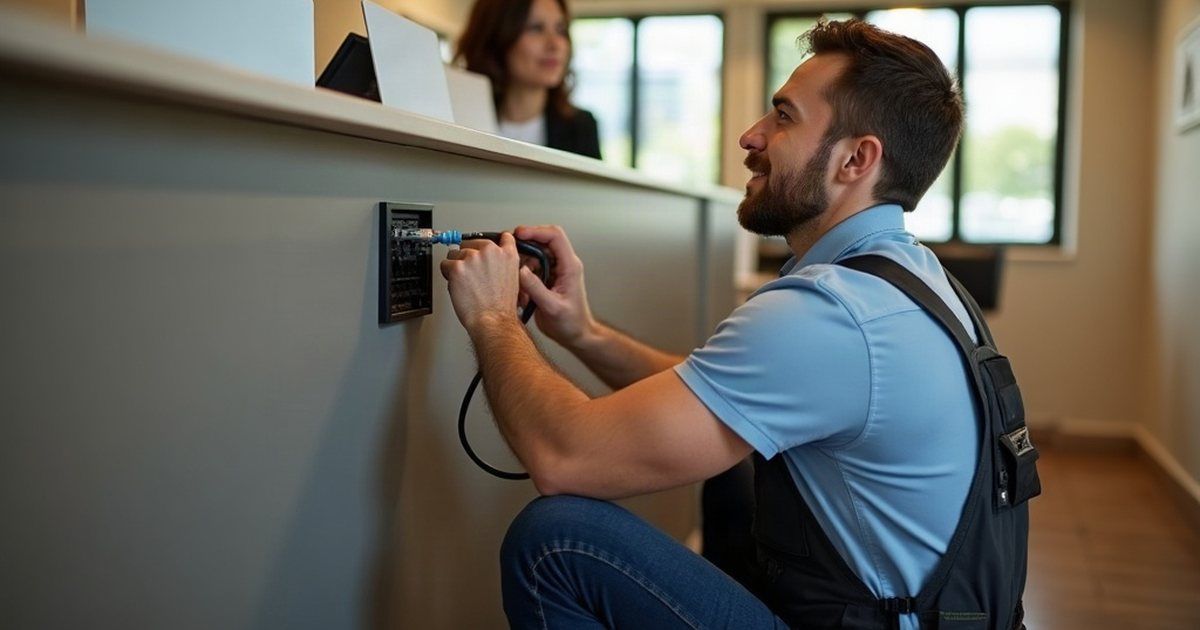
Onsite IT support means a technician comes to your premises and does the work in front of the equipment instead of through a remote session. Cabling, hardware, a network that has to be physically touched, anything where someone needs to see the room.
The honest version of this article starts with a number that most IT providers would rather not publish: over the year to August, our service desk handled 2,034 tickets across 206 businesses, and 15 of them needed someone to drive out. That is under one per cent.
Onsite support still matters. It just matters differently to how it gets sold.
What onsite support actually covers
The work that genuinely needs a person on site falls into a few groups:
- Anything physical. A machine that will not power on, a failed drive, a monitor showing a scrambled display, a device that has to be plugged into something.
- Network and connectivity work. New internet services, routers, switches, access points, cabling. Someone has to stand where the cable goes.
- Setting up a new site or a new desk. Workstation installs, moving an office, opening a second location.
- Camera and physical security systems, which are designed around the building and then managed remotely afterwards.
- Audits. Walking an environment and writing down what is actually there, which is almost always different from the documentation.
Eleven of our 15 site visits last year record in the ticket subject what the visit was for, and all eleven fall into the groups above. The other four say “site visit” and a date. None of the eleven was a software fault, an email problem or a password.
How often a business really needs it
The 15 visits came from 14 different businesses, so this is not one difficult client skewing the number. Put another way, 14 of the 206 businesses we supported needed someone on site at all during the year, and almost all of them needed it once.
The hours tell the more useful story. Those 15 visits accounted for 36.7 hours, which is 4.7% of the 774 hours we logged for the year, against 0.7% of the tickets. The average site visit ran 2.4 hours. The average ticket ran 0.38 hours.
So onsite work is rare and expensive per event. That is the whole economics of it, and it explains why the way a provider prices site visits matters more than how often they promise to make them.
Remote first is better for you, not just cheaper for them
There is a version of this pitch that treats onsite support as the premium option and remote as the budget one. It is backwards.
A remote session starts in minutes. A site visit starts when someone can get across Brisbane. If your accounts person cannot print, the useful answer is the one that happens now, not the one that happens after lunch.
Good remote support also means the routine work gets done at all. Patching, backup checks, account changes and monitoring happen continuously and invisibly, which is what keeps the number of physical emergencies down in the first place. The controls in the Essential Eight, patching, restricting privileges, multi-factor authentication and tested backups, are all remote work by nature.
Judge a provider on how little you need to see them, not how often they turn up.
Where remote stops
It stops at the physical layer, and it stops when nobody on site can be the hands.
The second one is underrated. Plenty of remote fixes need someone at the other end to unplug a cable or read a light, and in a small office there is often nobody comfortable doing that. If your team is not technical and there is no spare person, your threshold for a site visit is lower than average and you should say so when you are getting quotes.
It also stops when the problem is the building. Wi-Fi that drops in one corner, a switch in a hot cupboard, a network point that was never terminated properly. Those get diagnosed from a distance and fixed with a screwdriver.
Which businesses lean on it most
Any business with a lot of hardware in use, or with sites that cannot go quiet:
- Clinics and veterinary practices, where the diagnostic equipment, imaging and practice management systems are physically tied together.
- Trades, manufacturing and warehousing, where the network runs across sheds and yards and the environment is hard on equipment.
- Legal and accounting firms, where scanning, printing and document handling is high volume and a jammed workflow stops billable work.
- Multi-site operations, where the second site never quite gets the attention the head office does.
If that is you, onsite support should be a named part of your agreement rather than something you negotiate in the middle of a problem.
How it should fit into a managed agreement
Onsite is one component of a managed service, not a separate product. What matters is how it is written down.
Our service desk runs 8am to 6pm Monday to Friday, with after-hours support available by phone at the after-hours rate. Response targets are written per priority: 15 minutes response and four hours resolution when a business is stopped, an hour and eight business hours for major disruption, four business hours and two business days for a single user or where there is a workaround, and one business day for requests and changes.
Onboarding is where the onsite work usually concentrates. Ours runs two weeks: discovery in days one to three, findings on days four and five, stabilising in days six to eight, then transition and documentation. A provider who has never been to your premises cannot document your premises.
What to ask before you sign
- Is onsite included, or billed separately? Both are reasonable. Not knowing is not.
- Is travel time billed, and from where? This is the line item that surprises people.
- How far do you travel, and what happens outside that? Worth asking now if you have a branch anywhere.
- What is your response target for a site visit specifically? Remote response targets and onsite response targets are different numbers, and some agreements only publish the first.
- Who actually comes? In a small provider it is the person you already deal with. In a larger one it may be a subcontractor who has never seen your site.
- How many site visits did we need last year? Ask this at your next review. If the answer is climbing, something underneath is not being fixed properly.
Do this today: look at your current agreement and find the words “onsite” and “travel”. If neither appears, you do not have an onsite arrangement, you have an assumption.
If you’d like someone to read it with you, get in touch.